No products
Prices are tax excluded
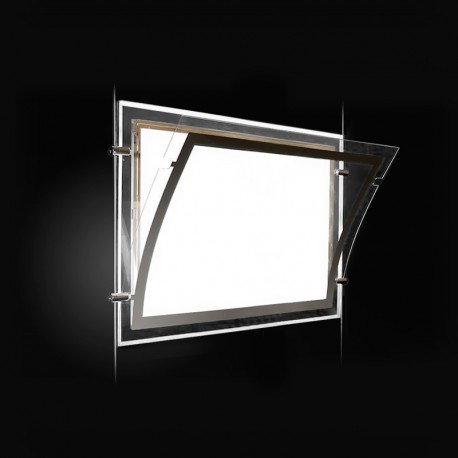
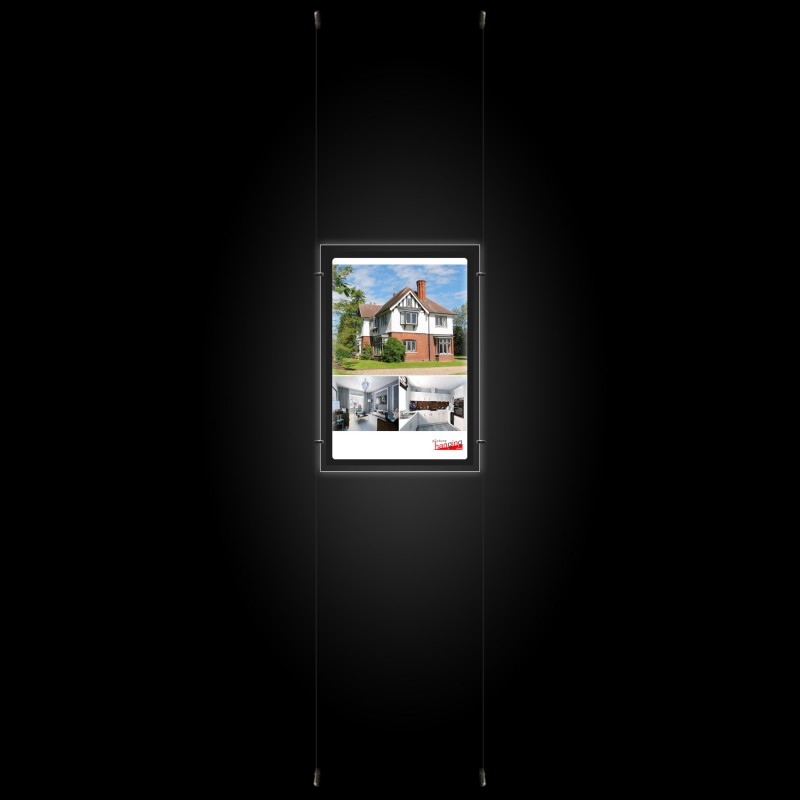

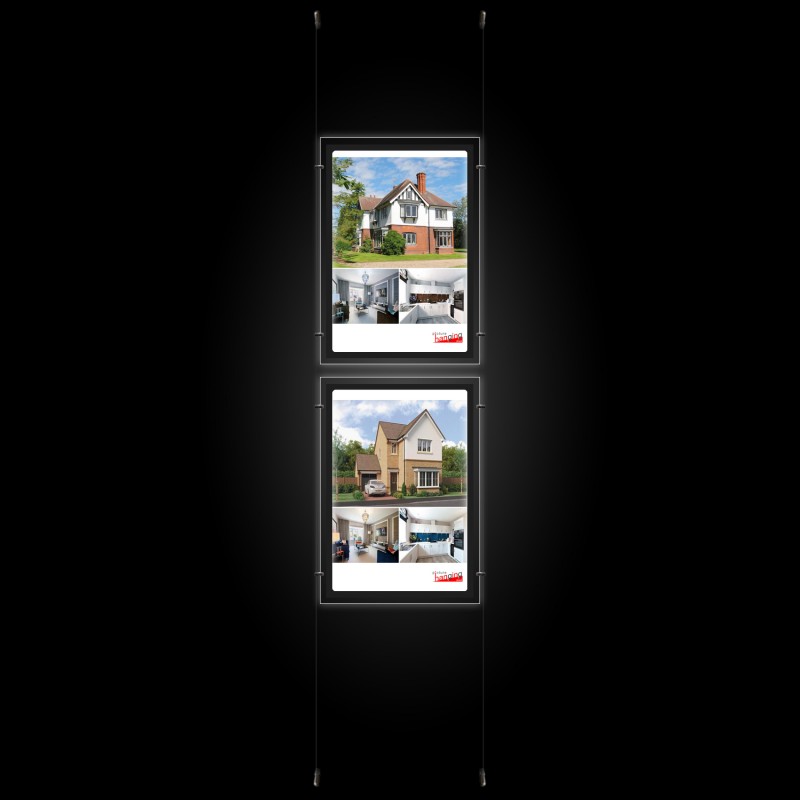


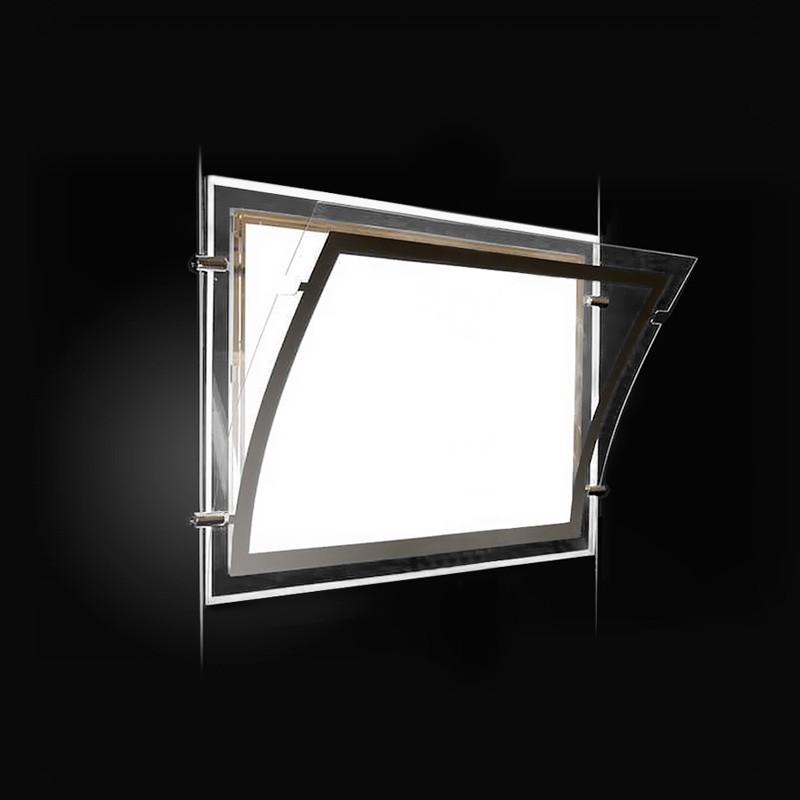
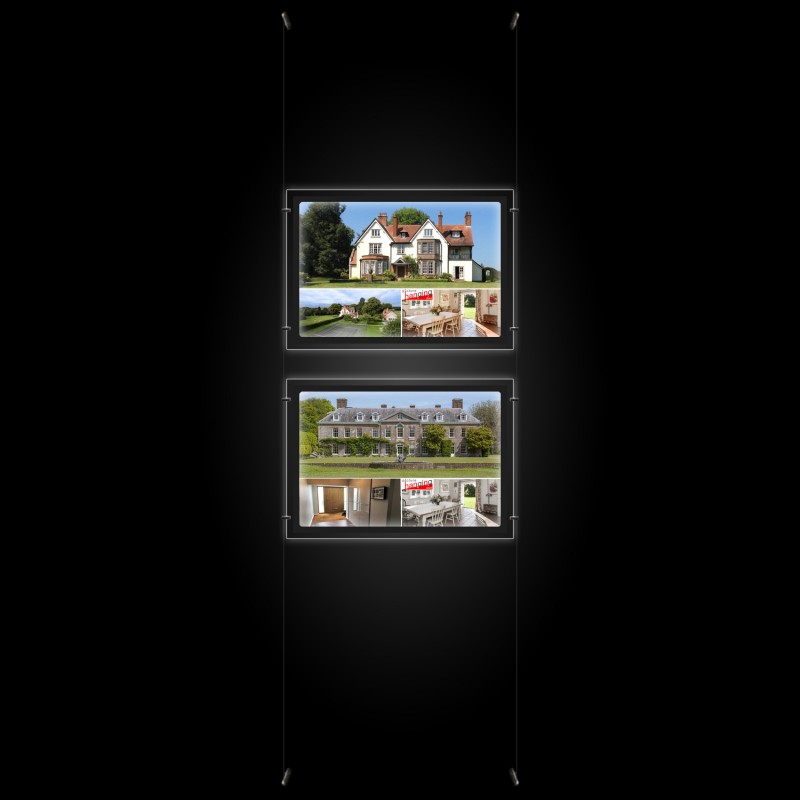


A2 LED Display Pocket & Wall-to-Wall Kit (Ready to Use / Complete System)
New product
A2 LED Display Pocket & Wall-to-Wall Kit features a complete ready-to-use wall-mounted cable system for poster holders with integrated LED lighting; illuminate posters & adverts on your estate agency, office, cafe, or retail shop walls or across windows. Easy installation. Add posters quickly & by hand (no tools required!).
High Quality, UK-made products
- Write a review
More info
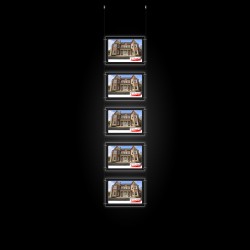
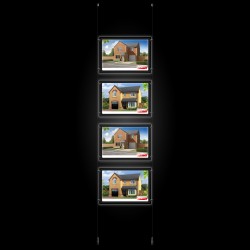
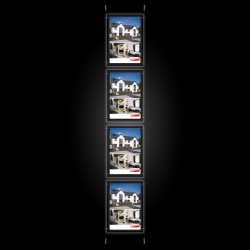
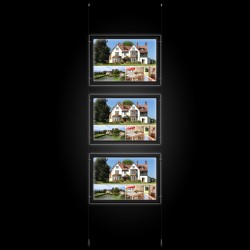
A2 LED Display Pocket & Wall-to-Wall Kits are available with portrait & landscape panels; A2 standard size. Wall-mount this cable display system to create shop floor signage & advertising. Install the cables across the windows for professional window displays. The dual-sided acrylic holders support 2 posters in a single pocket, with adverts visible on both sides, perfect for shop & office window displays on the high street! Pocket insert size: 594mm x 420mm. The cable display system features chrome fittings and 1.5mm steel cables, 3m in length.
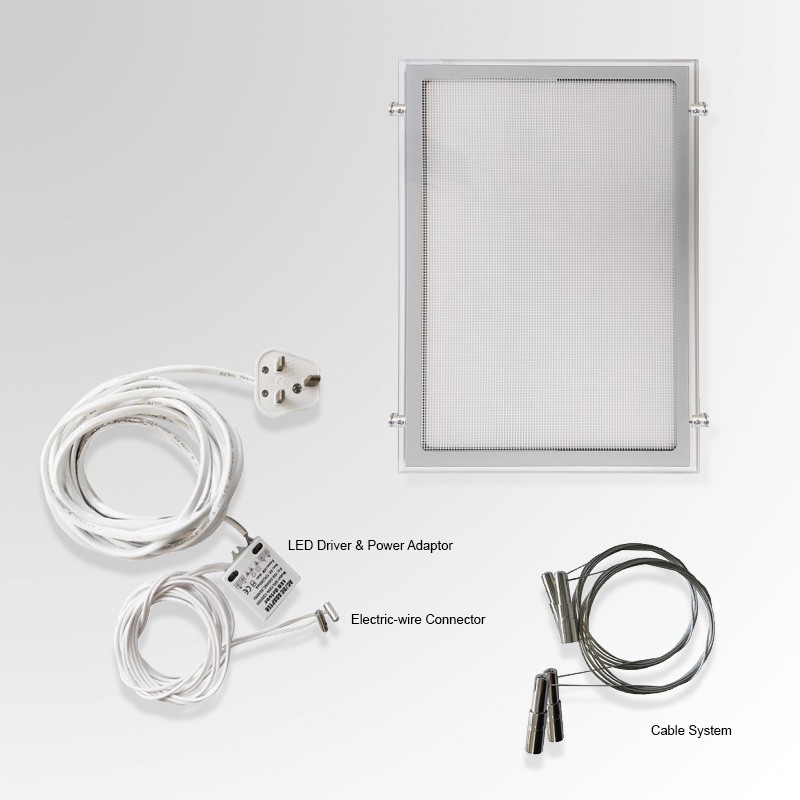
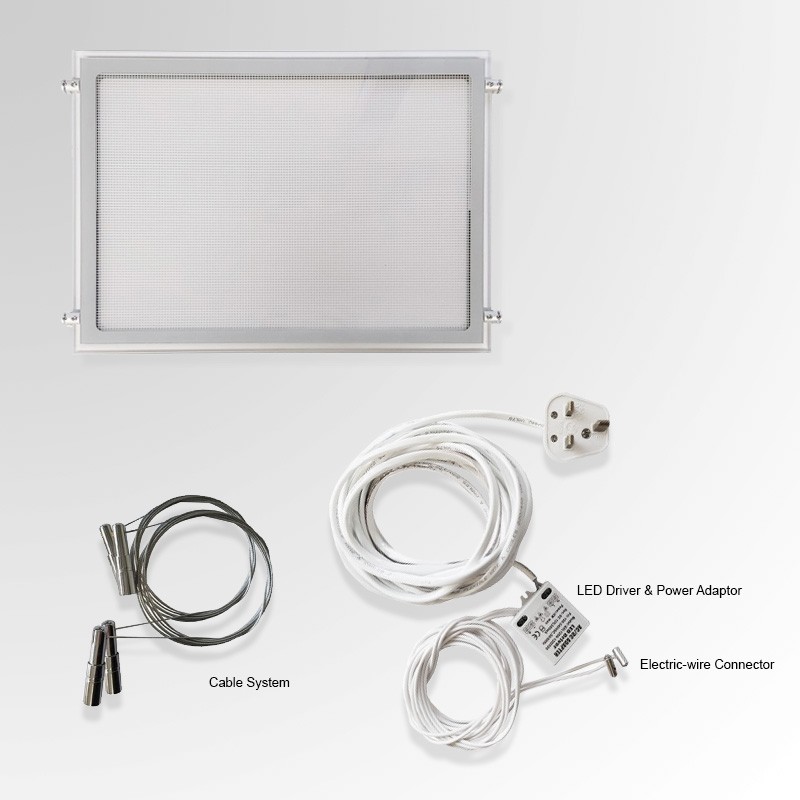
Complete A2 Display LED Pocket Kits - include:
- LED A2 Pockets, Portrait or Landscape (up to 3 Holders per kit)
- LED Driver / Transformer & 5m electrical wiring with 3 pin plug (UK)
- 2x Power Connectors
- 2x Wall to Wall Cable Display System Sets, with 3m Steel Cable
- Display Pocket Supports, 4 per Panel (Attach Pockets to Suspended Cables)
Installing the Cable Display System:
- Seperate the wall fittings, by unscrewing their stem from their screw mount
- Install the screw mounts onto the wall, the top & botom most position of your display space
- Re-attach the stems to the screw mounts, and rotate them so the cable holes on their tips are aligned
- From the top fitting, thread a cable downward through the stem's hole
- Add 1 Power Connector onto the cable
- Thread the cable downward through the bottom stem hole
- Place a cable-stopper onto the end of the cable, moving it right up to the stem
- Tighten the cable-stoppers grub-screw to secure it into place
- Cut away any access cable length
- Repeat above steps for the second Wall to Wall cable (Use an LED pocket's width as a guide!)
- Attach your LED Display Pockets to the suspended cables, using the Supports provided (Allen / Hex Key Supplied)
Although this is a safe low-voltage product, please remember to UNPLUG & SWITCH OFF any power while installing!
Installing LED Driver / Transformer:
- Attach a naked-end wire to one of the Power Connector on a suspended cable
- Secure the Power Connector by tightening the small grub-screw on the relevant side
- Attach the other wire to the Power Connector of the opposite cable
- Secure the Power Connector to the wire
- Finally plug the transformer into the power socket